
One click from your reviews
A Make post button appears under every review on Google Maps and Trustpilot. Click it and the post is ready to download.
 Chrome extension for local businesses
ReviewPost adds a Make post button to your Google and Trustpilot reviews. One click gives you a branded post for Instagram, Stories and LinkedIn. No design app needed.
Good reviews sit unseen on Google. ReviewPost turns them into posts that look like you made them in a design studio, in less time than it takes to screenshot one.
A Make post button appears under every review on Google Maps and Trustpilot. Click it and the post is ready to download.
Type your website and ReviewPost picks up your brand colours. Choose your font, star style and corners. Add your logo on Pro.
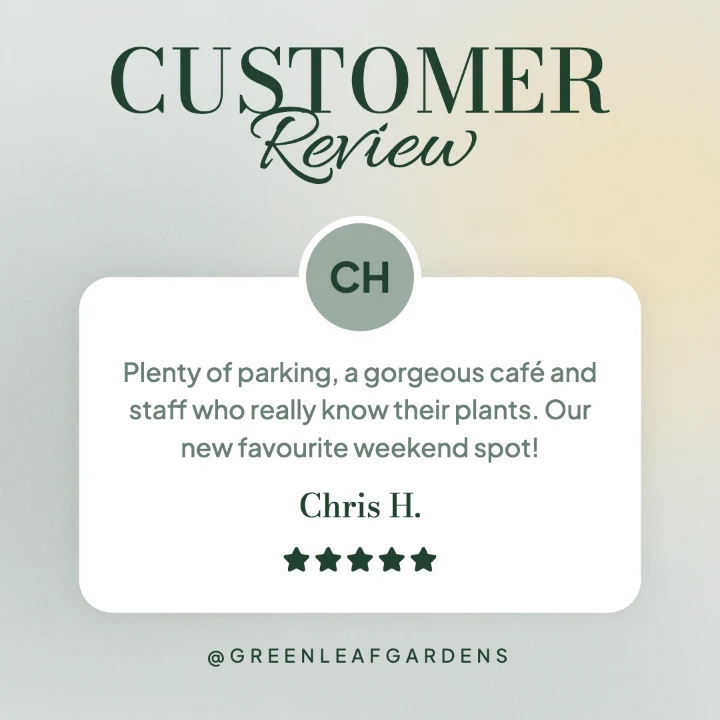
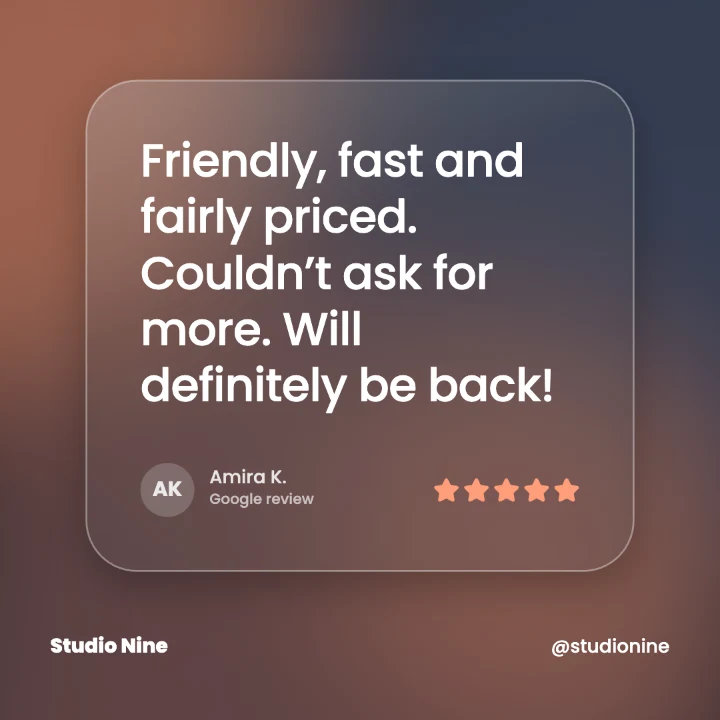
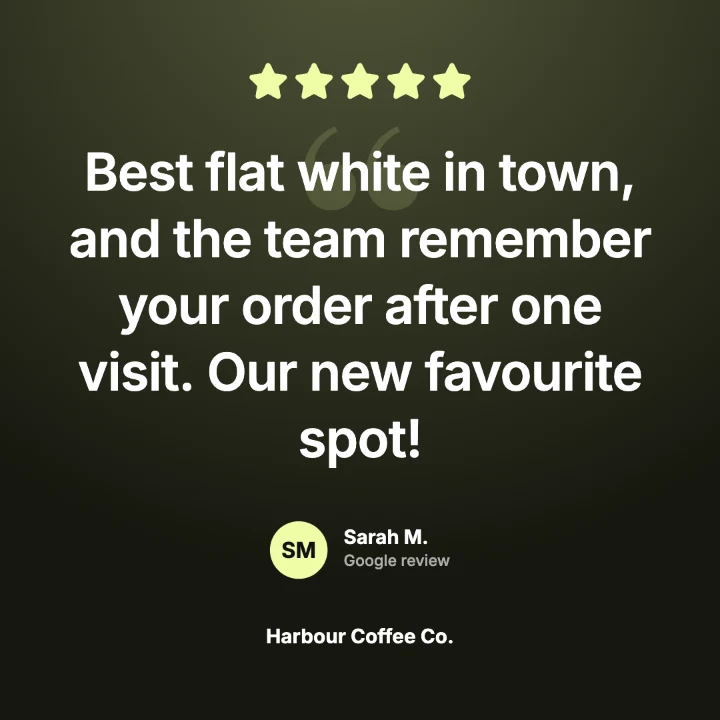
From clean cards to bold posters, neon and polaroids. Every one is built to stop the scroll, not blend into it.
Instagram posts, Stories and Reels, and LinkedIn or Facebook. Story layouts keep clear of the app’s buttons and captions.
Send up to 10 reviews to the editor at once and download a post for each, zipped into one file (Pro).
Your reviews, brand kits and images stay in your browser. ReviewPost only reads a page when you click one of its buttons. No tracking, no ads.
Open your business on Google Maps or Trustpilot.
Pick a design. Your colours are already on it.
Get a PNG, or all three sizes in one zip.
Start with three free designs. Pro unlocks all 21, with more added regularly.

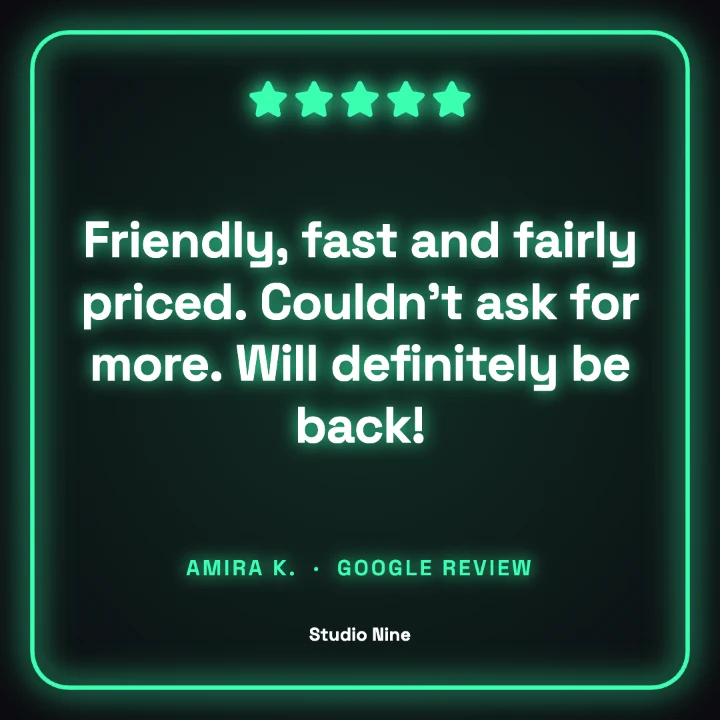
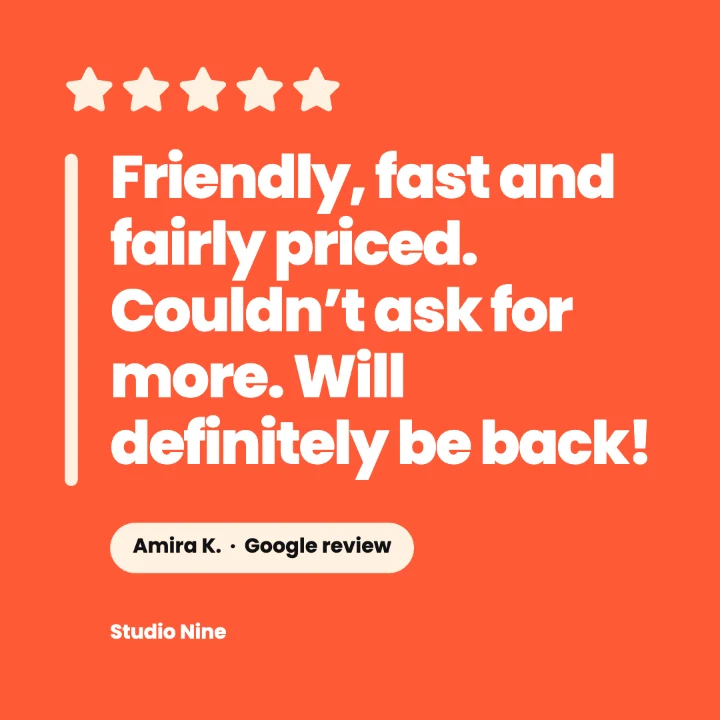
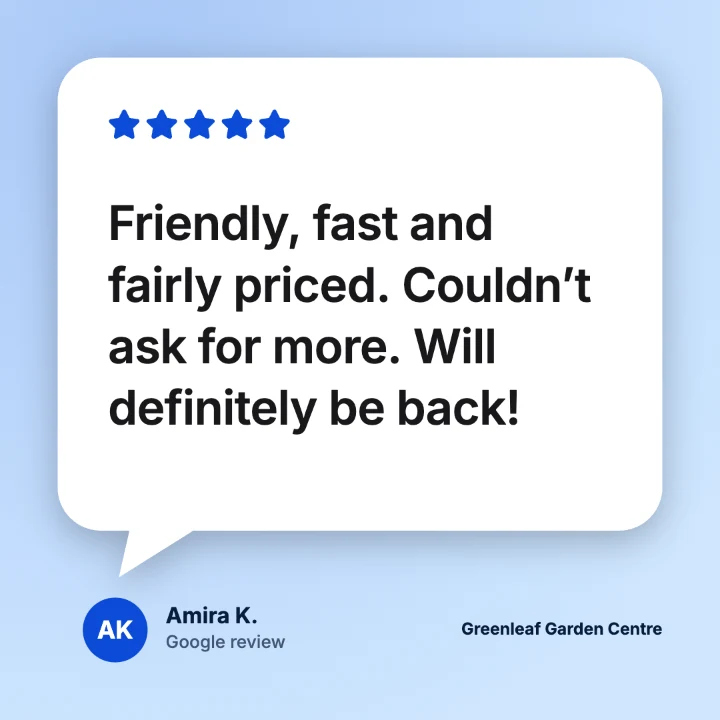
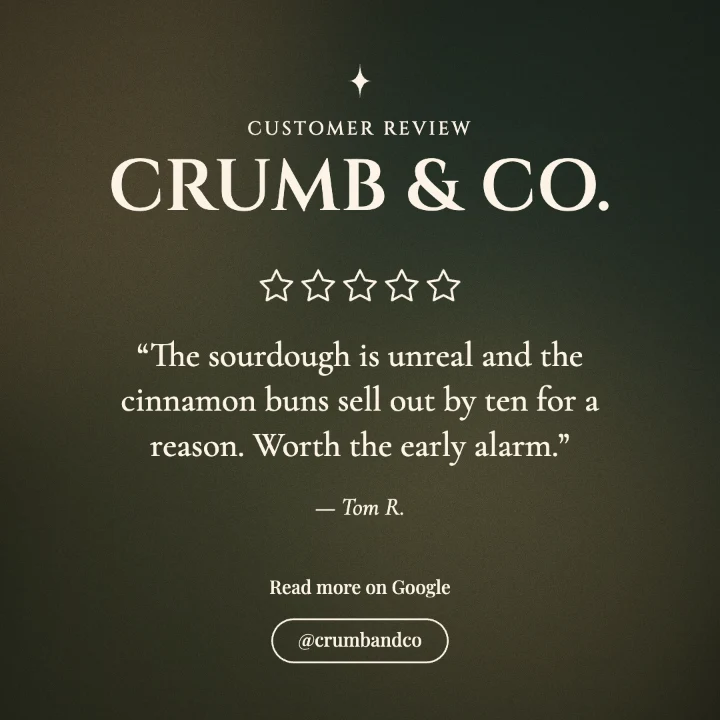
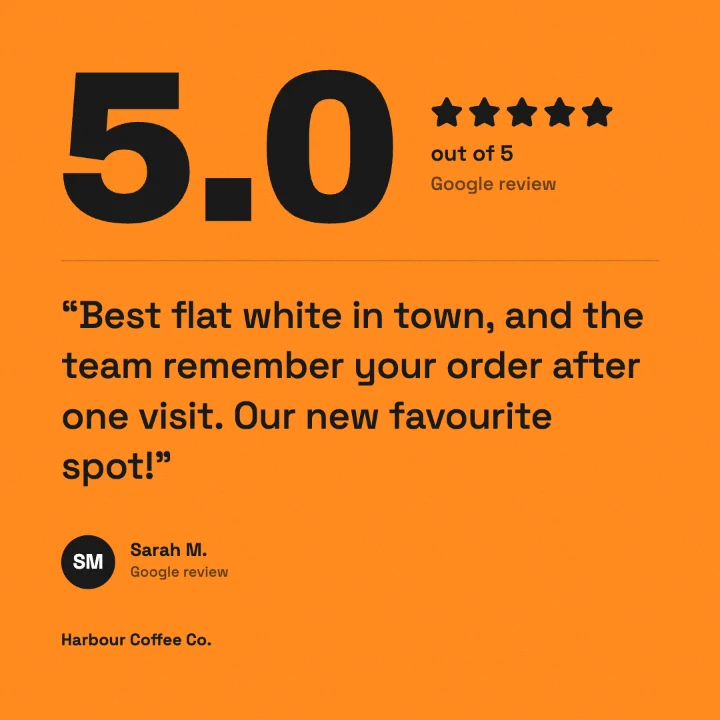
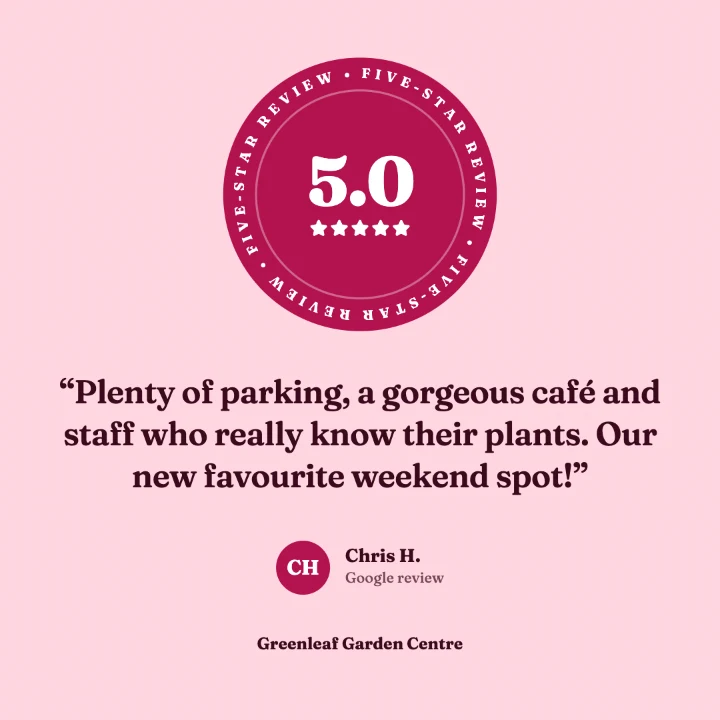
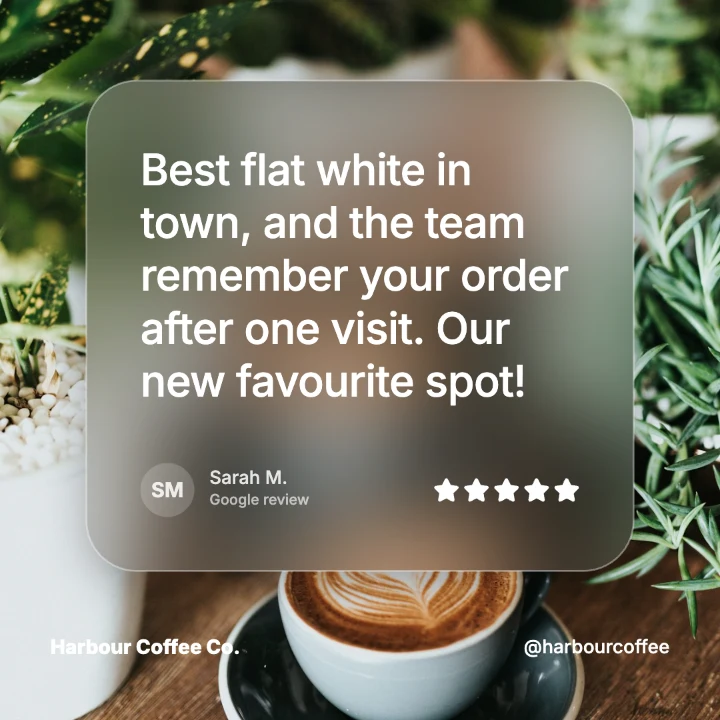

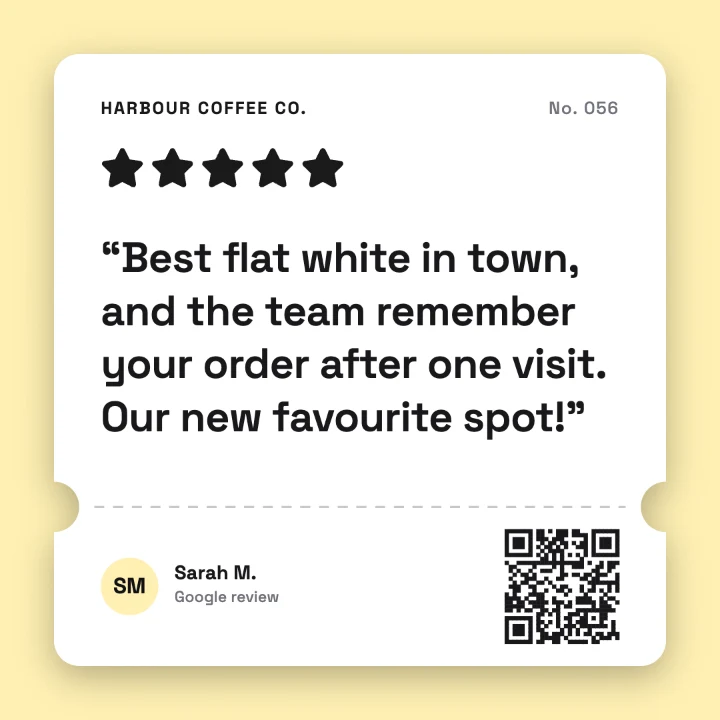
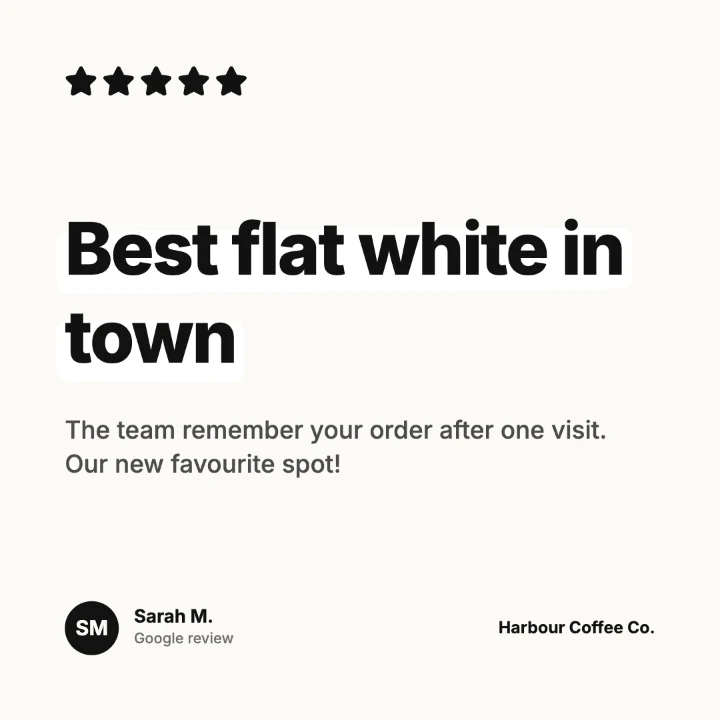

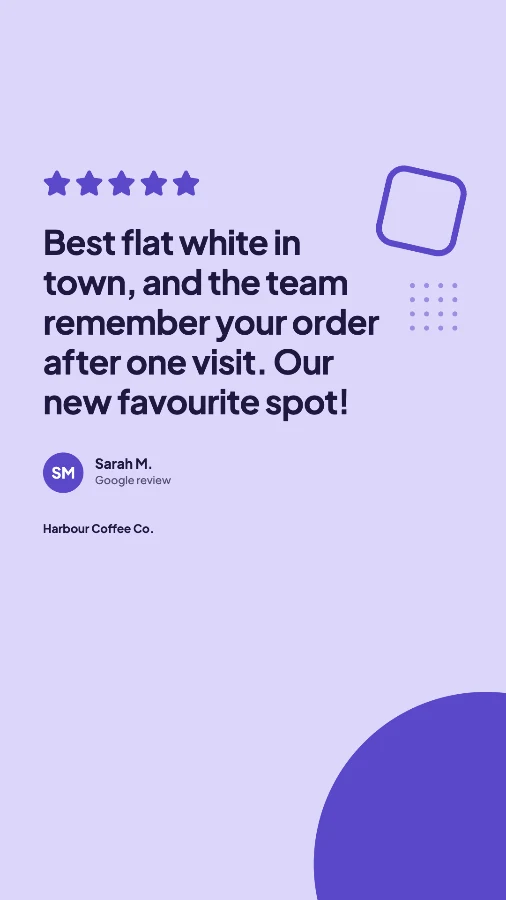
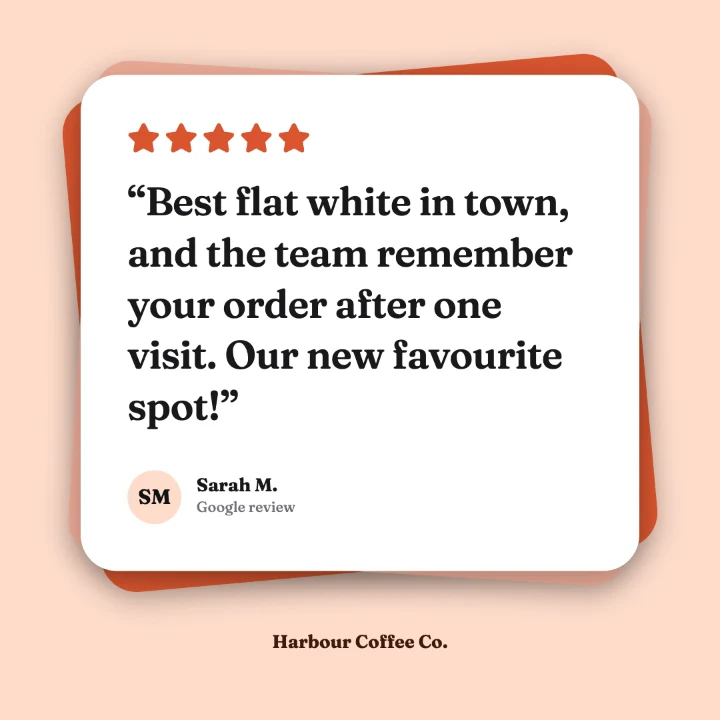
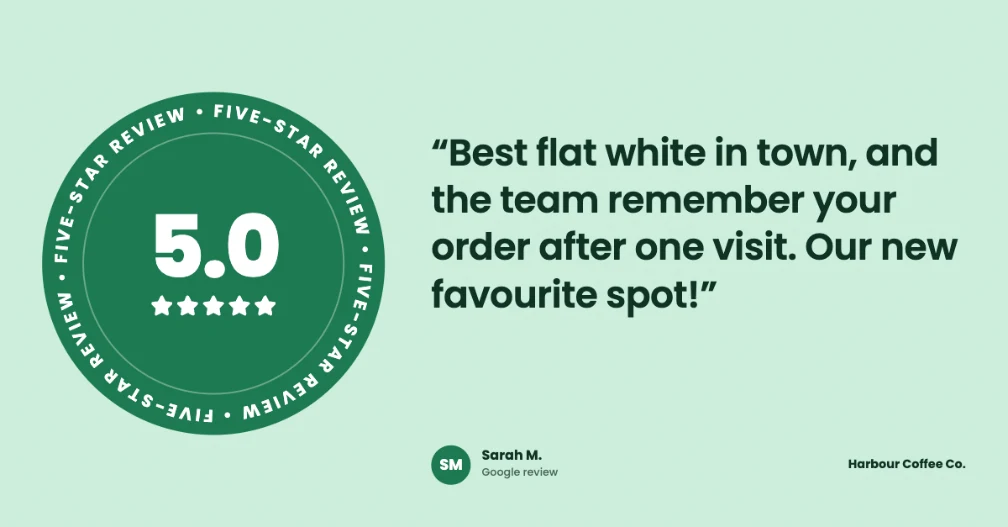
Enter your website and ReviewPost reads your brand colours for you. Same design, four businesses, four completely different looks.
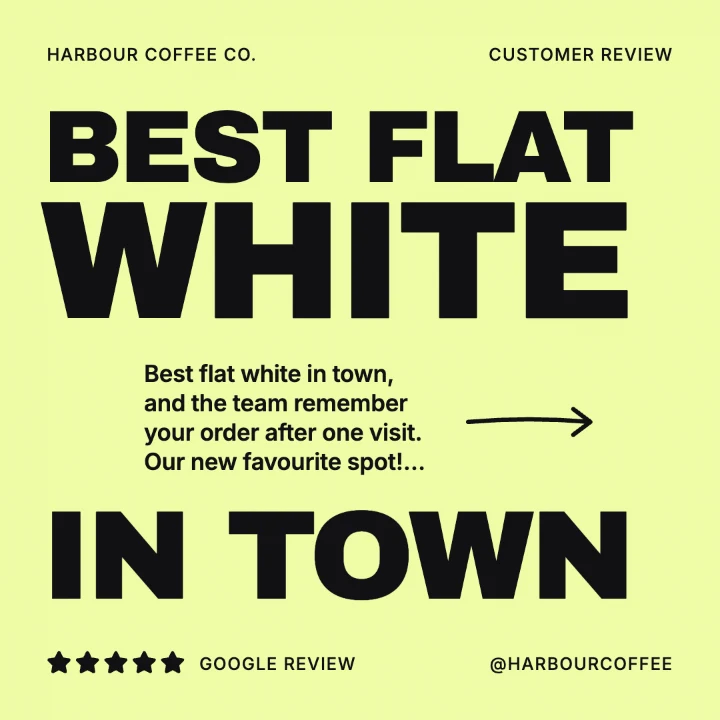
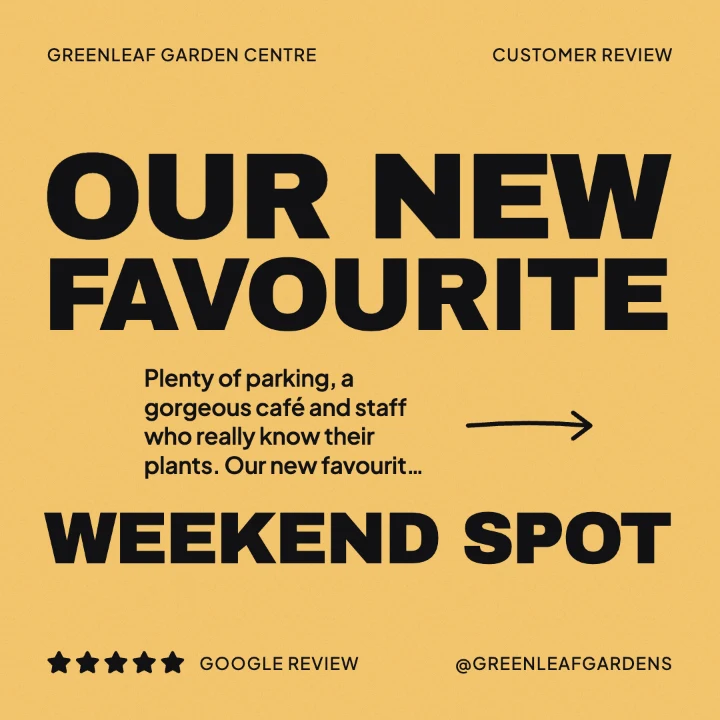
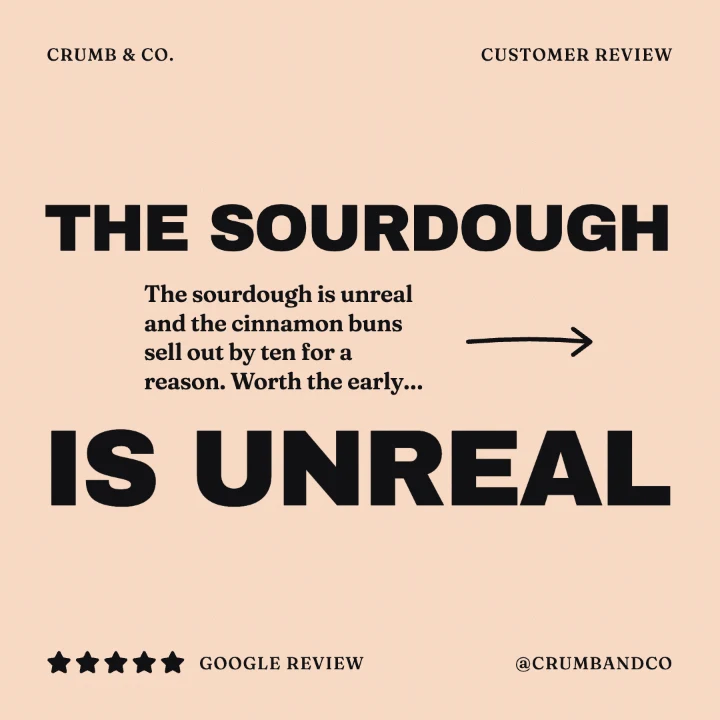
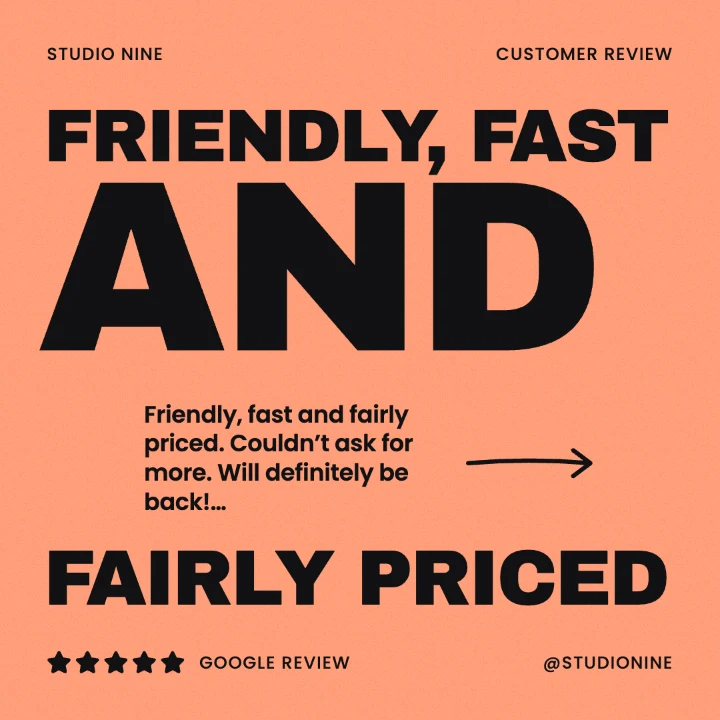
Switch between Post, Story and LinkedIn with one tap, or download all three together. Stories keep your review clear of Instagram’s buttons and captions.
Upgrade from inside the extension whenever you’re ready. Cancel any time.
Try it with the essentials.
£0
Add to ChromeAll 21 designs, your logo, no watermark.
£8/ month
Get started with ProFor agencies posting for several clients.
£29/ month
Get started with AgencyPayments are handled securely by Stripe through ExtensionPay.
A Make post button appears on reviews on Google Maps and Trustpilot. On any other website, highlight the review, right-click and choose Make a ReviewPost from this review. You can also paste a review straight into the editor.
No. Install the extension and start making posts straight away. You only enter an email if you upgrade, so we can link your plan to you.
Three designs (Spotlight, Card and Bold), brand colour matching and all three sizes. Free downloads include a small “Made with ReviewPost” mark, which Pro removes.
Yes. Plans are monthly with no contract. You can manage or cancel your plan from the billing page inside the extension.
In your own browser. ReviewPost has no servers holding your reviews or images, and it only reads a web page when you click one of its buttons. Read the privacy policy for the details.
Yes. You can trim the text, pick a headline and shorten the reviewer’s name to a first name and initial. Keep the meaning true to what the customer said, as UK advertising rules don’t allow misleading testimonials.
That’s what the Agency plan is for: a brand kit for each of up to 5 clients, 3 team seats and up to 3 bespoke templates designed for your clients. Need more? Get in touch.
Yes. Use Request a custom design in the editor, or send us a message below. Bespoke templates are included in the Agency plan.
Questions, feedback, a bug, or an idea for a design? Send a message and we’ll get back to you as soon as we can.
Or email hello@willtarpey.com
Your customers wrote it. ReviewPost makes it look good.
Add to Chrome, it’s free